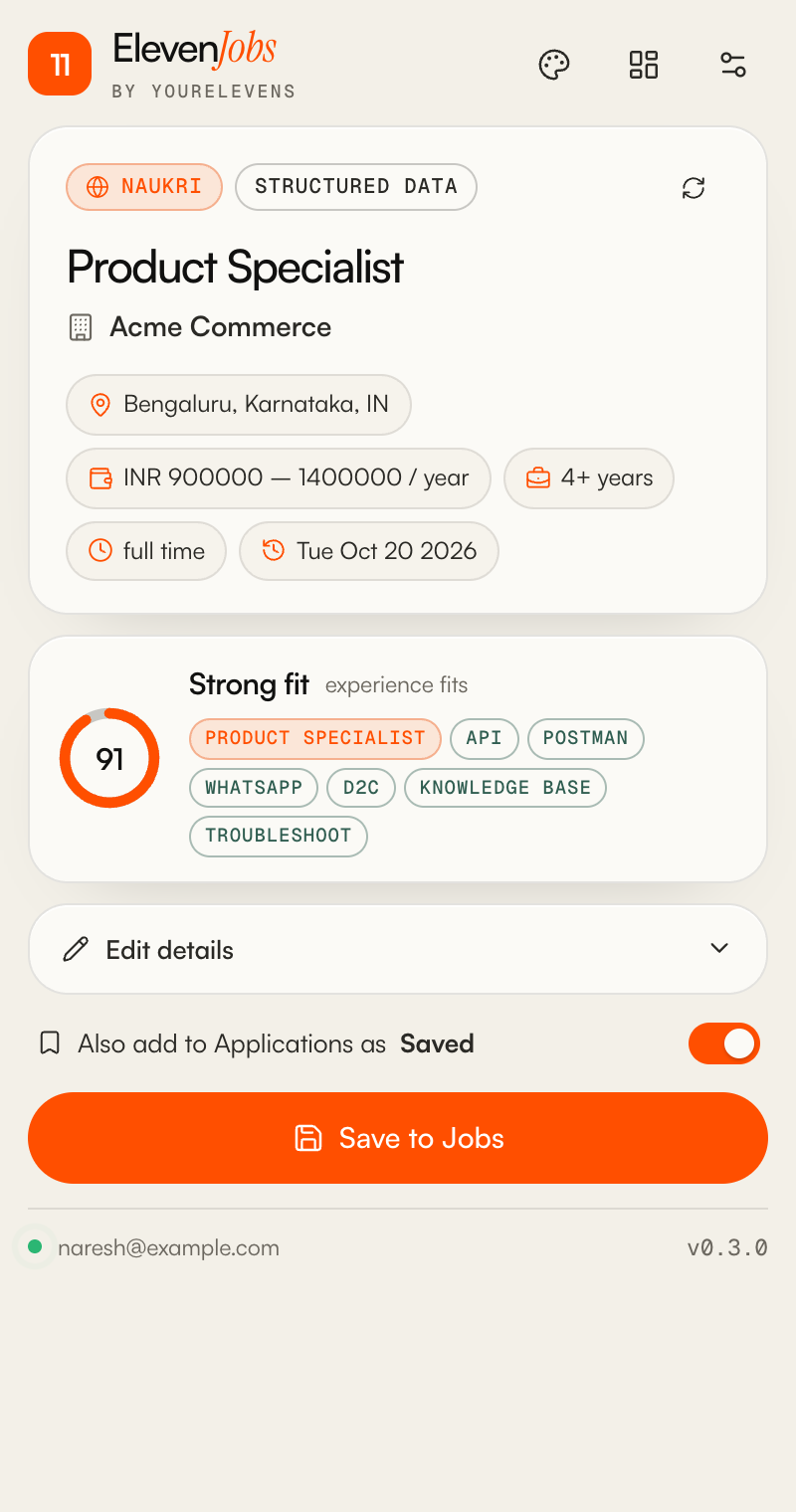
Reads the whole listing
Role, company, location, work mode, pay, experience, posted date and the full description, cleaned into readable text.
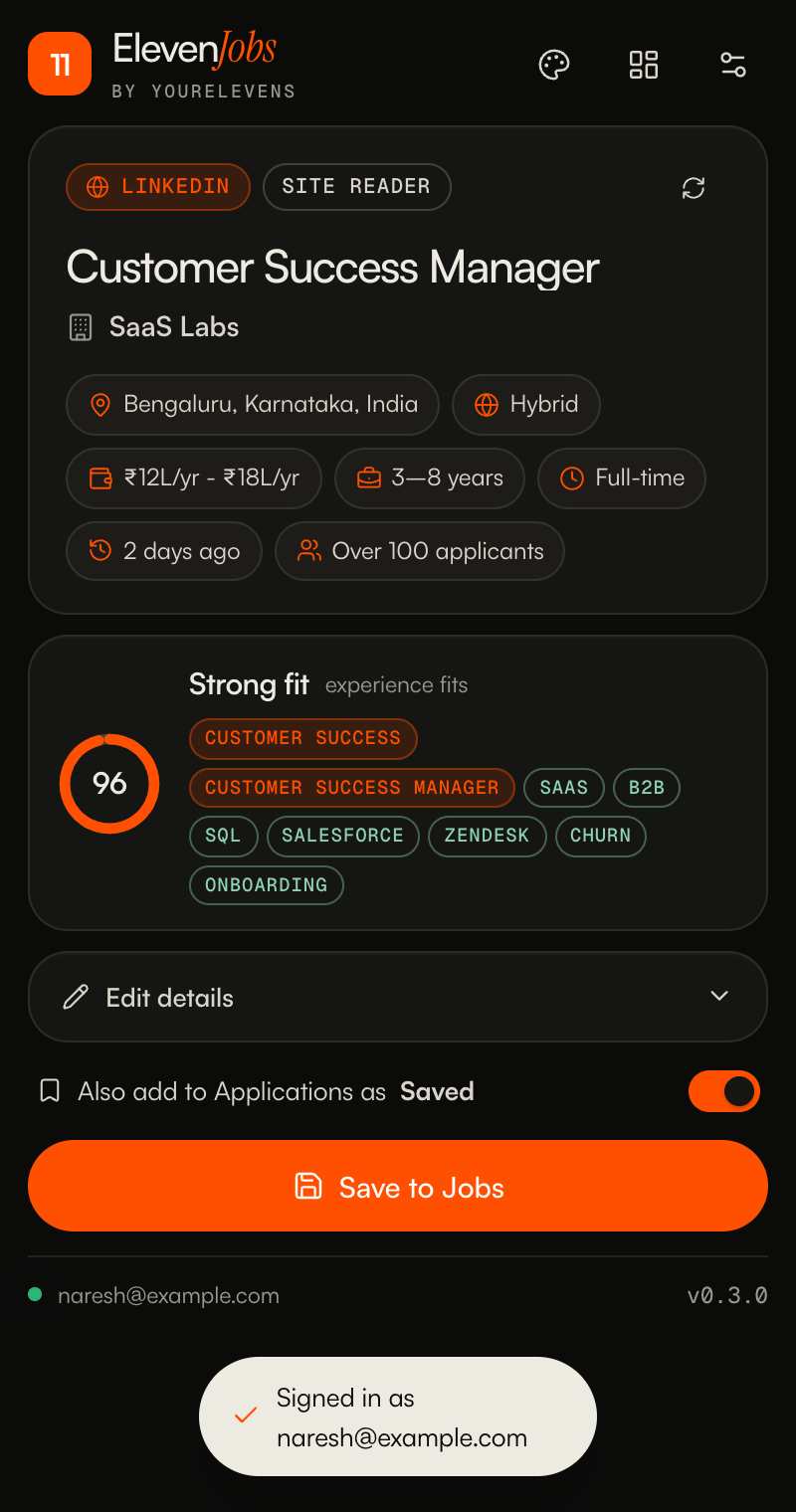
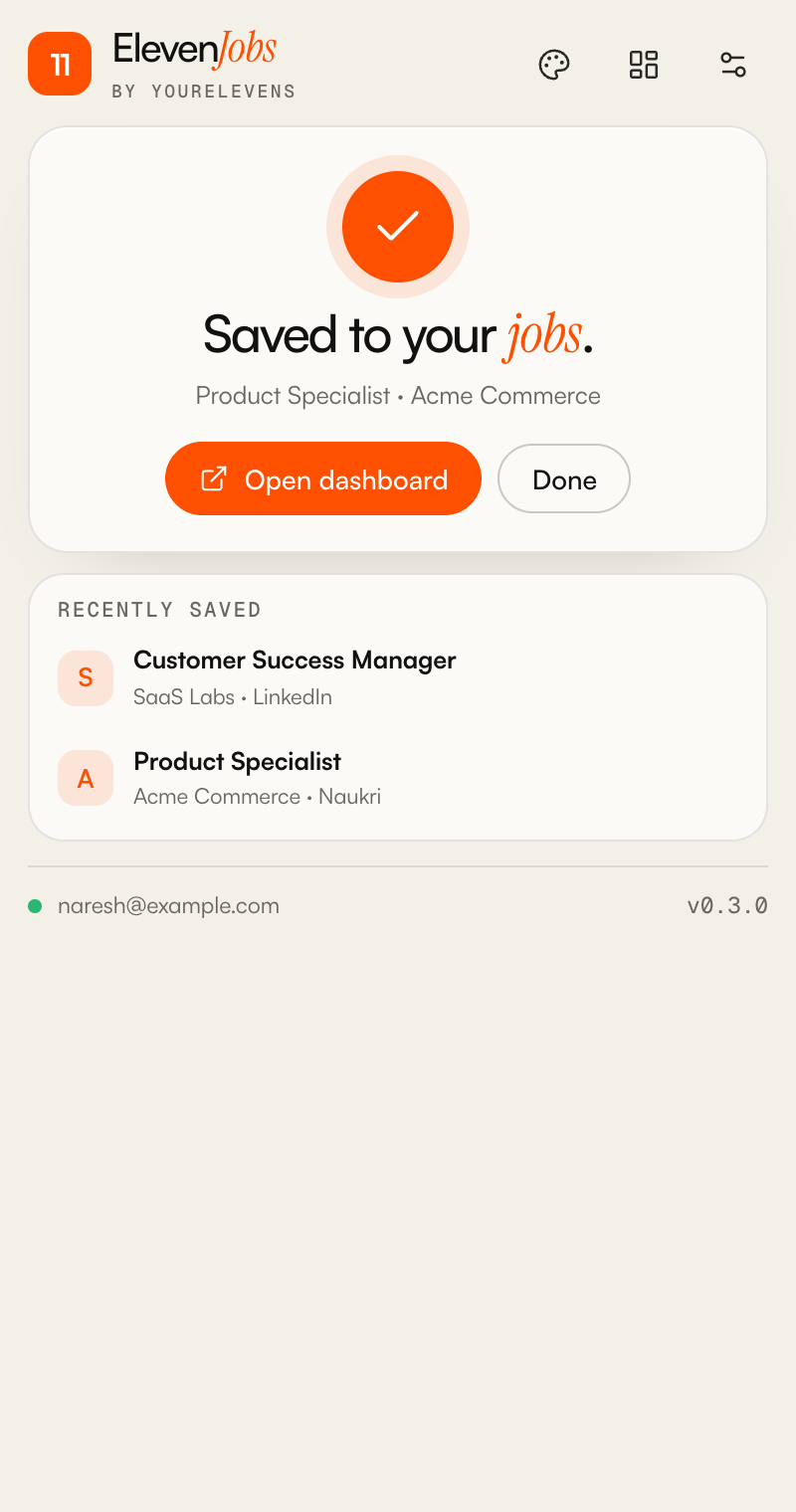
Open a job on LinkedIn, Naukri, Indeed or any company careers page. ElevenJobs reads the role, company, pay and description, scores how well it fits you, and adds it to your Career Dashboard.
Role, company, location, work mode, pay, experience, posted date and the full description, cleaned into readable text.
Scored against the roles, skills, years and cities in your dashboard profile. Red flags like night shifts are called out.
Already saved it? ElevenJobs spots it by link or by company and role, and offers to update it instead.
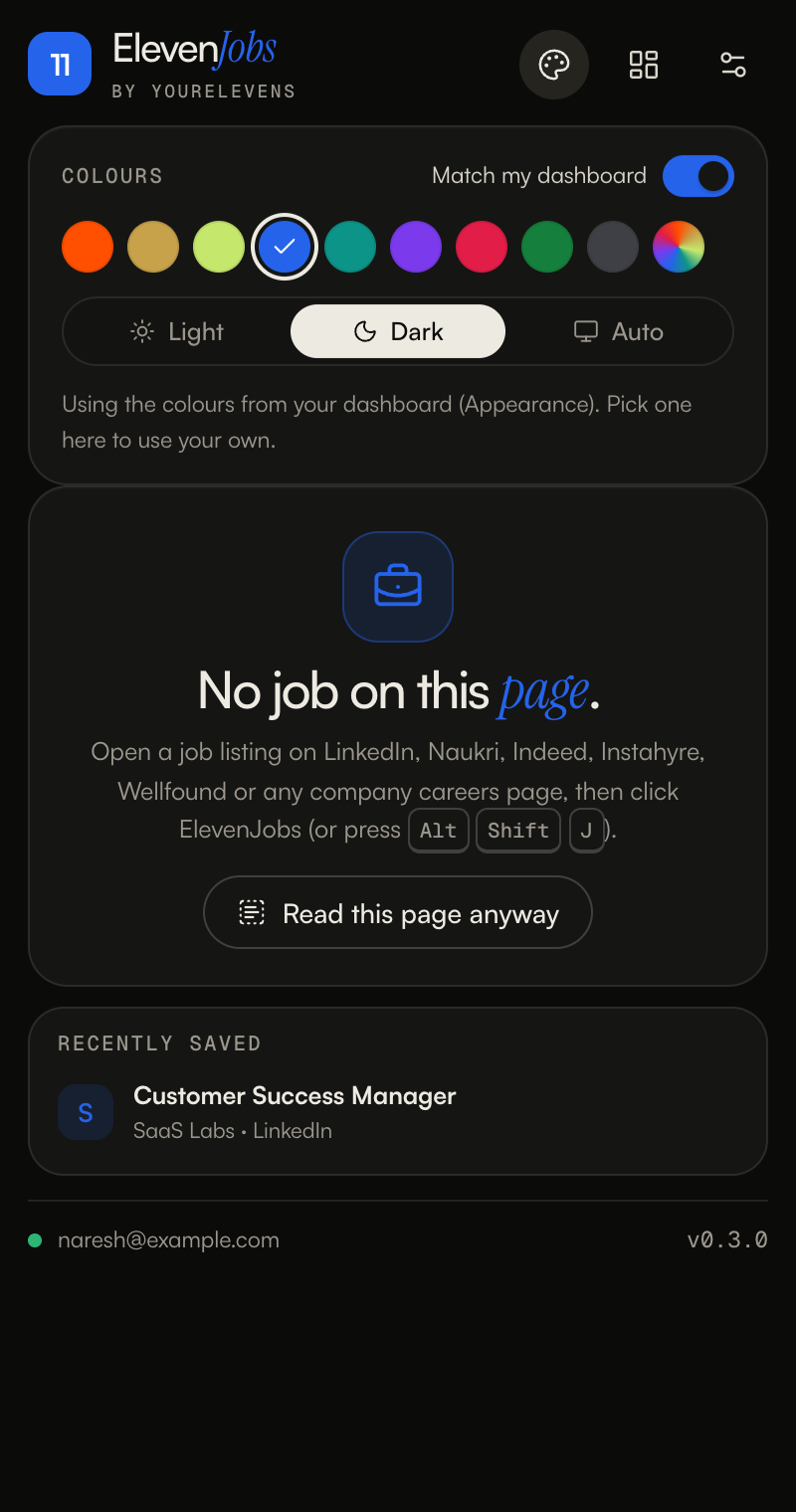
Follows the colours and light or dark mode you picked on the dashboard, or choose your own in one tap.
Press Alt Shift J on any job page. ⌘ Enter saves.
Reads a page only when you click. Sends the job only to your own dashboard. No tracking, no other servers.
ElevenJobs saves into a Career Dashboard account. Accounts are invite-only, so start with the link you were sent.
Use the link from your invite (WhatsApp or email). It opens the Career Dashboard with your email filled in. Pick a password of at least 8 characters.
No invite yet? Ask the person who runs your dashboard to send one from Admin → Invite someone.
Upload your résumé PDF. AI fills in your profile (it never sees your phone or email). Check it, then set the roles and cities you want. This is what your fit scores and tailored résumés use.
chrome://extensions in Chrome (click to copy, paste in the address bar).Click the orange 11 icon and sign in with the same email and password as the dashboard. Then open any job and click it, or press Alt Shift J.
Tip: in the dashboard, Job matches finds your 50 best-fit openings for you.
ElevenJobs reads a page only when you click its button (Chrome's "active tab" permission), and the only server it can talk to is your dashboard's database. Your password is sent once to sign in and never stored. It can't run in Incognito.
It's how Chrome installs an extension that isn't on the Chrome Web Store yet. It only lets you load folders you choose yourself. You can leave it on; Chrome may remind you about it now and then.
Download the new zip, unzip it, and replace your old ElevenJobs folder with it. Then open chrome://extensions and click the round reload arrow on ElevenJobs. You stay signed in.
Yes. ElevenJobs saves into your dashboard, where you get fit scores, tailored résumés, Job matches and interview tracking. Accounts are by invite.
Some sites load the job late. Wait a second and click again, or click Read this page anyway. You can also select the job text on the page first; ElevenJobs will use your selection.
Yes. By default it matches the colours you chose in the dashboard (Appearance). Click the palette icon in ElevenJobs to pick your own colour and light, dark or auto mode.